
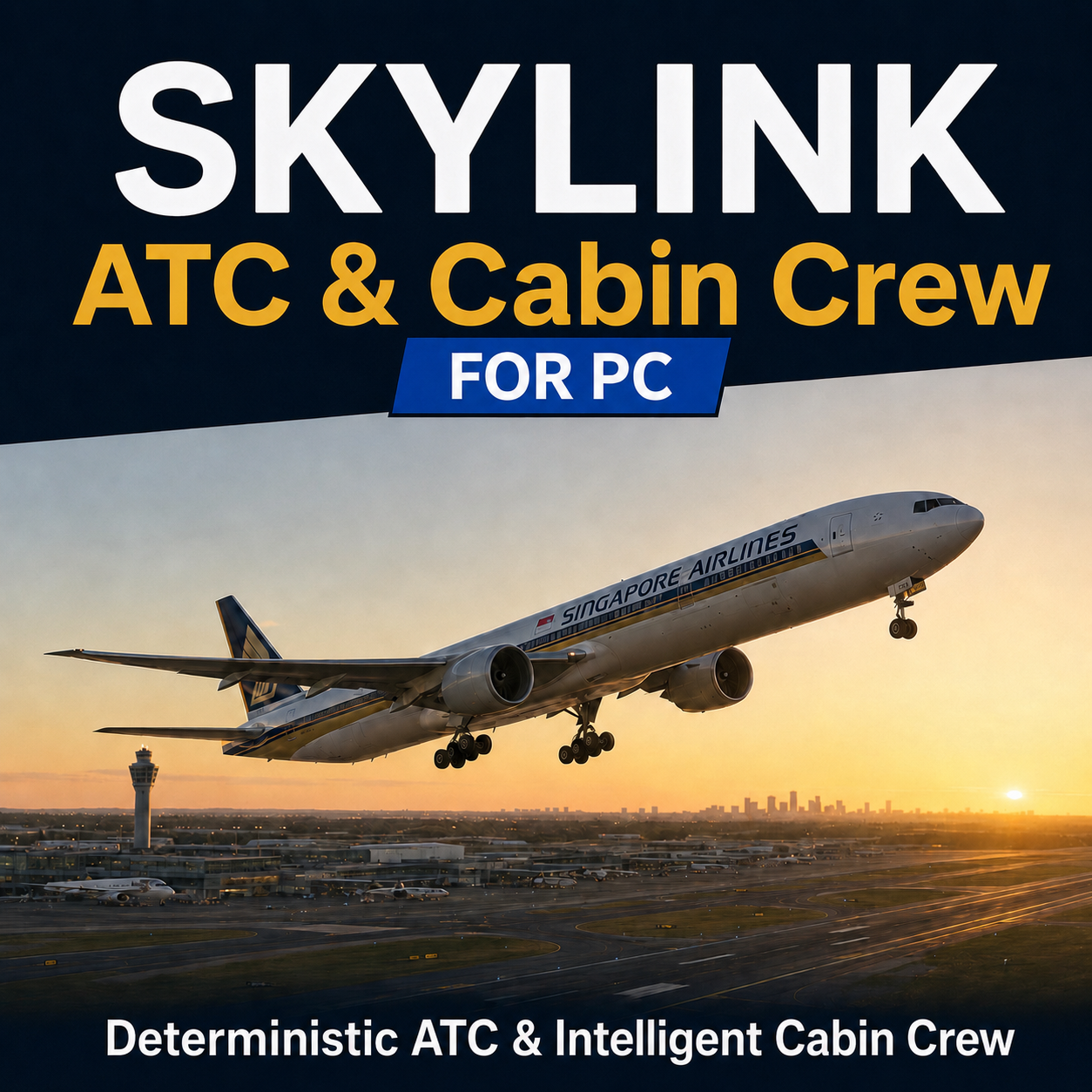

SkyLink ATC + Cabin Crew Bundle for MSFS
SkyLink ATC + Cabin Crew Bundle for MSFS
TURN EVERY FLIGHT INTO A COMPLETE AIRLINE OPERATION

Hear realistic ATC and bring the cabin to life from boarding to arrival. SkyLink combines conversational ATC, Cabin Crew, Career Operations, IFR and VFR, an intelligent co-pilot, worldwide traffic, GSX, Live Map, taxi guidance, datalink, flight review and companion control in one Windows app.

ONE-TIME PURCHASE or MONTHLY SUBSCRIPTION

Pay once and keep lifetime access. A monthly option is also available for pilots who prefer a lower upfront cost. Want monthly instead? CLICK HERE

LIVE, CONVERSATIONAL ATC—NOT RANDOM CHATBOT REPLIES

Speak naturally using your microphone or configured Push-To-Talk button. SkyLink follows the live simulator, your route, flight phase, controller, frequency, weather, traffic and every outstanding instruction from clearance through pushback, taxi, departure, cruise, descent, approach, landing and taxi-in.

Astra-powered understanding lets you ask naturally for weather, runway, squawk, cleared altitude, frequency, next fix or the reason for a hold. Request a runway change, direct-to, level change, go-around or emergency support. Report traffic, turbulence, icing or ATIS received. SkyLink remembers the exchange, while deterministic aviation logic checks every operational clearance and readback.

EXPRESSIVE ELEVENLABS V4 TURBO VOICES

ATC, co-pilot and cabin speech uses expressive ElevenLabs v4 Turbo voices with regional controller styles, airline-aware crew and SkyLink radio/intercom processing—human delivery with clear, controlled instructions.

REAL WORLDWIDE IFR AND VFR OPERATIONS

Import IFR from SimBrief or fly VFR without it. VFR supports controlled and uncontrolled airports, circuits, scenic, training and cross-country flights, transits, touch-and-go, stop-and-go and full-stop operations. Phraseology adapts across Australia, New Zealand, the FAA, the UK and worldwide ICAO regions. The VFR Radio Coach uses your callsign, runway and flight stage; CTAF calls remain pilot-to-pilot without inventing a controller.

PREDICTIVE ATC AND LIVE FLIGHT GUIDANCE

See the current controller and frequency, cleared altitude, next fix, top of descent, expected runway, approach and gate before the next call arrives. SkyLink prioritises aircraft FMC data and your SimBrief descent point, then uses an aircraft-family profile as a fallback. Supported emergencies identify who to contact, suggest a suitable airport and provide a guarded GO DIRECT TO action.

SKYLINK LIVE MAP—NO API KEY REQUIRED

Follow your route on PC, in a pop-out, on a paired device or inside the MSFS 2024 EFB. See your aircraft, waypoints, colour-coded airports, runways, taxiways, aprons, buildings, gates, taxi guidance, simulator and injected traffic, and other SkyLink pilots.

Use Follow Aircraft, free map control, Track Up, Fit Route, Zoom to Airport and an aviation ruler. TCAS-style labels and conflict rings focus on meaningful separation risks. Select gates, see airline matches and check aircraft compatibility, occupancy and taxi access. Optional VFR, IFR Low/High, worldwide and FAA special-use airspace, animated precipitation, Satellite and Terrain layers complete the picture.

NATIVE MSFS 2024 OBSERVER EFB

The in-game EFB has full-width Map and Communications tabs with flight data always visible. Follow the aircraft, zoom from airport detail to the whole route and observe taxi guidance, traffic, telemetry, controller state, clearances, radio history, ACARS and CPDLC. It is intentionally read-only, with no PTT or flight controls.

OPERATIONAL ACARS AND CPDLC

Request PDC and supported en-route clearances digitally through the same active SkyLink controller and flight state used by voice ATC. Receive response-required messages, reply through the datalink flow and keep each exchange connected to the live clearance instead of operating as a separate mock inbox.

FLIGHT TOOLS, OCEANIC OPERATIONS AND REVIEW

Use one workspace for ACARS, CPDLC, oceanic reports, holds, SELCAL, simulator-verified aircraft checklists and de-duplicated traffic. SkyLink records clearances, ATC outcomes, flight phases, safety events, checklist completions, datalink and oceanic actions in a scored timeline. Export reviews as PDF and synchronise with authenticated SkyLink Operations when available.

WORLDWIDE TRAFFIC INJECTION

SkyLink injects and physically controls AI aircraft inside Microsoft Flight Simulator using real schedules and region-matched airlines. Traffic operates from gate and pushback through taxi, runway sequencing, departure, arrival and taxi-in, with SkyLink ATC coordinating it around your flight. Supported FSLTL and simulator traffic are fused and de-duplicated so one aircraft does not appear several times.

BUILD YOUR PILOT CAREER

Create a pilot, callsign and home base anywhere. Progress from training through charter, utility, cargo, instrument, multi-engine, regional and airline operations. Missions include stories, spoken briefings, objectives, debriefs, scores, rewards, ranks, qualifications, achievements and statistics connected to simulator telemetry and radio performance.

INTELLIGENT CO-PILOT

Choose and name a co-pilot, then ask them to handle ATC, brief the flight plan or run an aircraft-appropriate spoken checklist. Say “check” to continue, repeat or stop. Easy Mode follows the radio sequence without repeating completed readbacks or handoffs.

FULL GSX GROUND CREW INTEGRATION

If you own GSX, request boarding, jetways, stairs, baggage, catering, fuel, water, lavatory service, de-icing, pushback and ground power through the dedicated GSX Ground channel. Answer GSX questions on PC or a companion device by tapping an option or speaking through PTT. Without GSX, pilot-controlled boarding keeps the cabin workflow available. GSX is optional and sold separately.

REALISTIC CABIN CREW FROM GATE TO GATE

Cabin activity follows boarding, welcome, safety, takeoff, seatbelt events, service, turbulence, descent, landing, arrival and deboarding. Seating, meals, drinks, comfort, wellbeing and satisfaction respond to live conditions. Add boarding music and PA audio, choose a speaker and receive a detailed passenger report.

PHONE AND TABLET COMPANION

Scan a QR code to open SkyLink on a phone, iPad or tablet with no app-store download. Use ATC Communications, radio channels, Live Map, telemetry, Operations, Cabin Crew, GSX, flight controls, reports, media, cameras and settings. Secure session-only remote access can also connect away from home without router changes or port forwarding.

ALSO INCLUDED

• VATSIM coverage alerts and handoff support
• Other SkyLink pilots on the Live Map, with opt-in Listen Live audio
• Optional Stream Deck profiles for supported devices
• SimBrief, Navigraph links, live METAR and ATIS context where available
• English, French, German, Spanish, Japanese and Portuguese
• Automatic updates, Operational Guide, Help and flight-by-flight Diagnostics

COMPATIBILITY

• Windows PC
• Microsoft Flight Simulator 2020 and 2024
• Microphone or headset recommended
• Internet required for voice generation and cloud features
• SimBrief, GSX, Navigraph and VATSIM may require separate accounts, software or purchases

Stop flying through silence. Build your career, fly IFR or VFR and operate every journey as a complete airline service with SkyLink ATC + Cabin Crew.